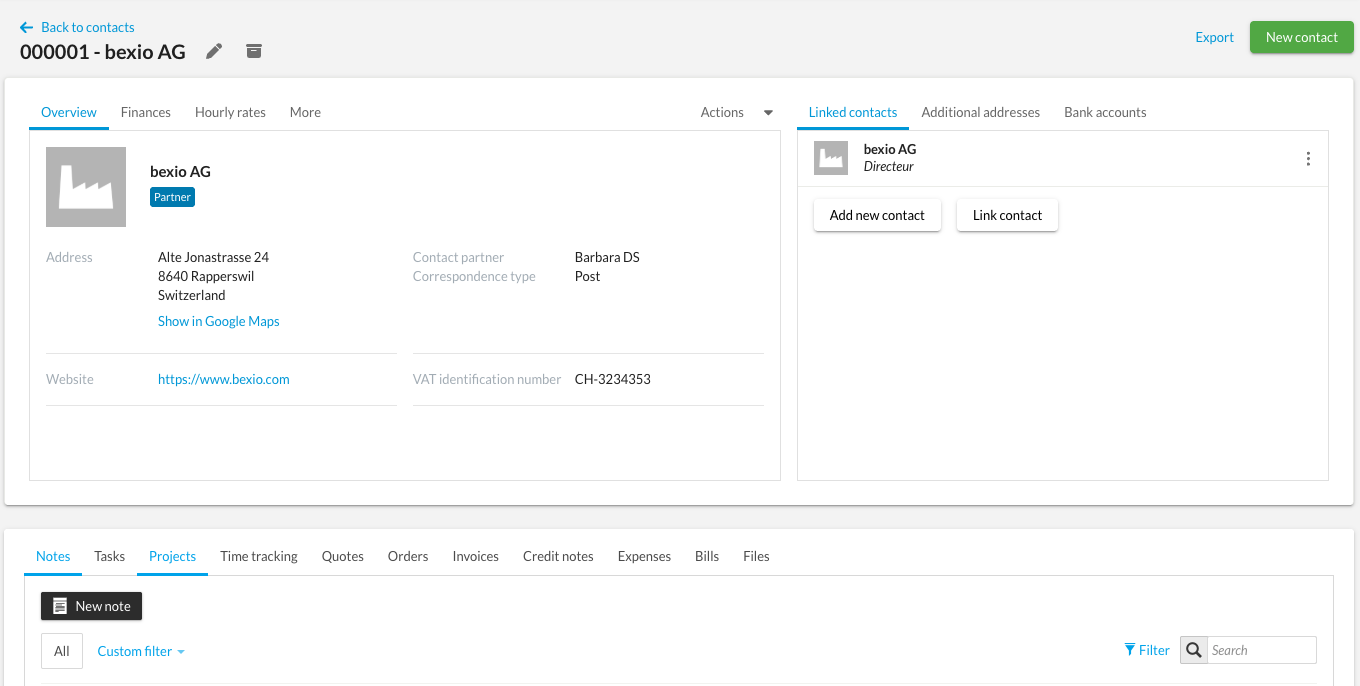
Contact management is the heart of your CRM. The Contacts module is the pillar of your management in bexio. It centralises all the essential information of your partners: contact details, invoices, documents, and links between contacts. A well-organised database allows you to save time by automating your billing and personalising your customer follow-up.
Summary:
How to create a new contact
Additional options for contacts
How to create a new contact
- Go to the Contacts tab
- Click on Create new contact
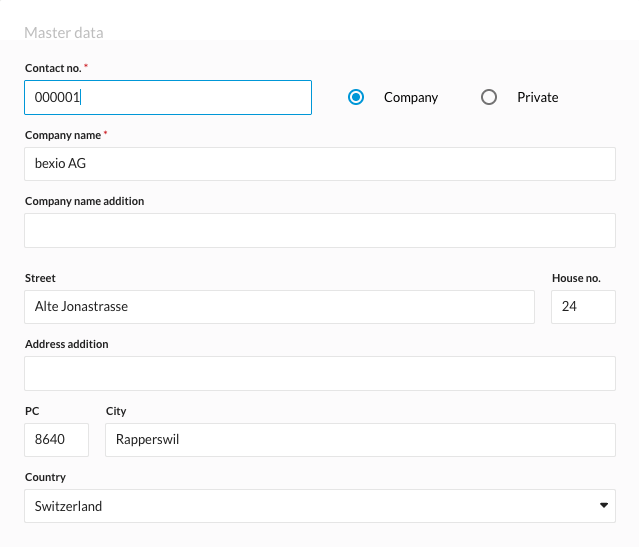
Master data
Contact types
You have the option to choose between two types of contact:
- Private contact: first name, last name, address, preferred title, date of birth
- Company: company name, address, number of employees, commercial register number, VAT number, tax identification number.
Form of address
Titles and form of address allow you to personalise your communications.
If the form of address doesn't appear, please consult this article to find out: Create and manage titles and form of address for your contacts
Address and country
- Enter the complete address (private or professional)
- Select the country from the provided list.
If the country does not appear, please consult this article to find out: Create and manage countries
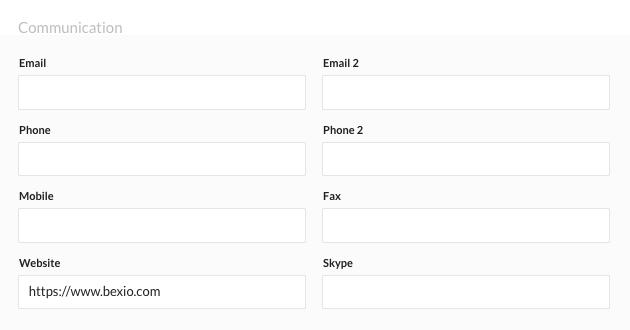
Communications
Add contact methods:
- Email address
- Phone number
- Website
- Social networks
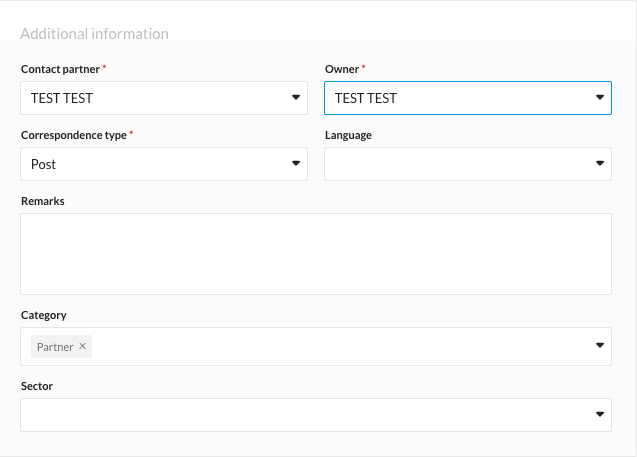
Additional information
Contact person and Owner
- Contact person: The Contact person field is primarily an internal communication and identification tool.
- Owner: The Owner field is essentially related to security and data visibility.
Consult this article to understand: Difference between contact partner vs. owner in contacts
Categories
How to create and manage categories for contacts
Sector of activity
How to create and manage your contact industry sectors
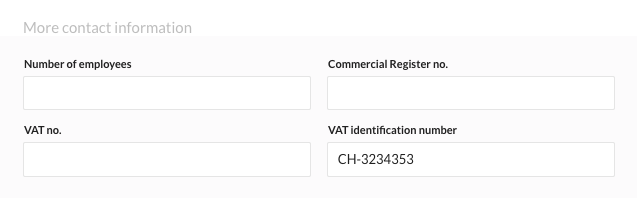
Other contact information
Only for the company contact type, you can provide the following information:
- Number of employees
- Commercial register number
- VAT number
- VAT identification number
As soon as a VAT identification number is entered, it will be automatically displayed on invoices.
Once all information is completed, your "company" or "private" contact is created.
Additional options for contacts
If you would like to add more information to your contacts, click on the items below to access the corresponding support articles.