In version 4.0.8, we're implementing the new “Structured Addresses”. This change divides the address into street and house number, which are now available as separate fields. Therefore, these fields must be mapped accordingly for existing workflows to continue working.
Content
Update
Open a zap that contains a bexio action or trigger by clicking on “Edit Zap” in the top right corner
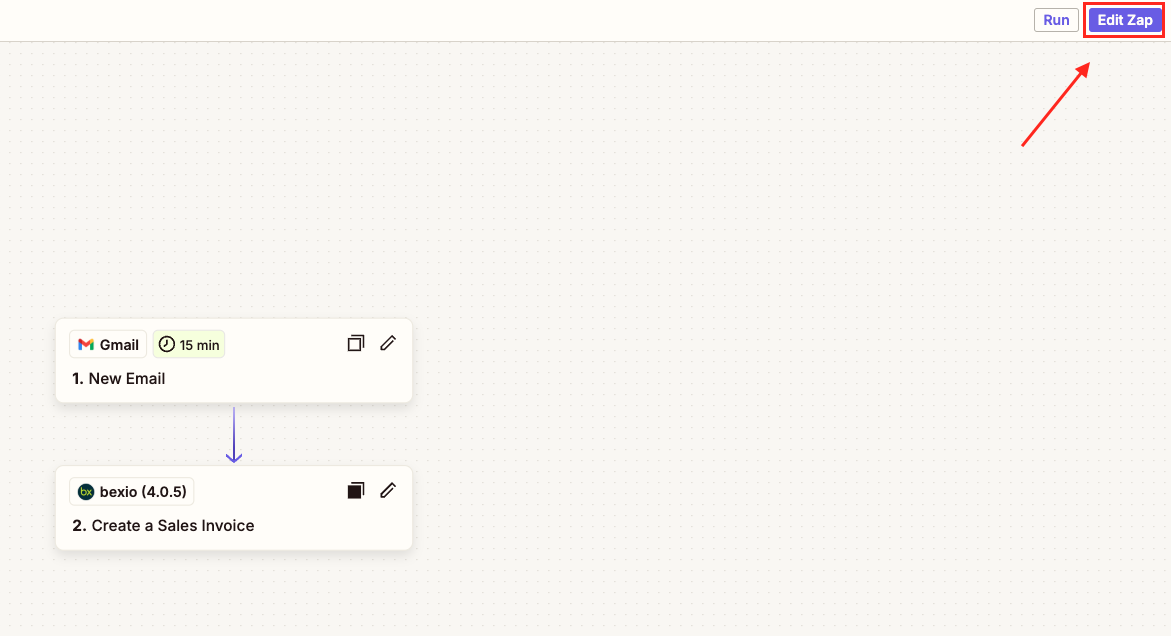
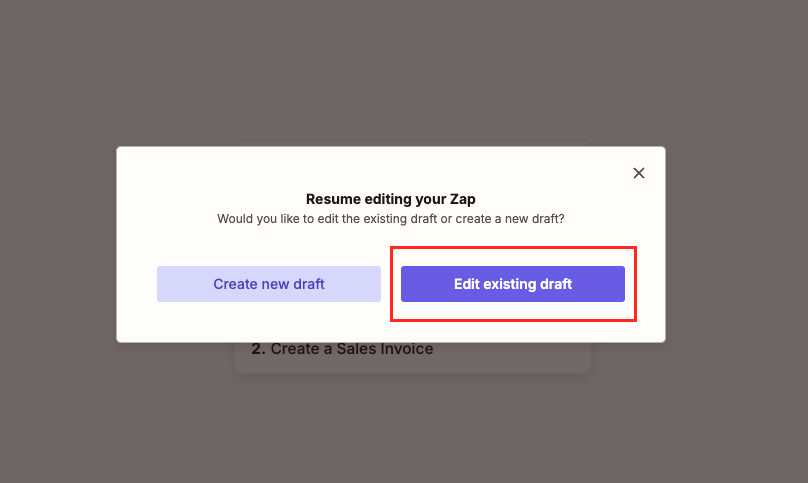
Continue with “Edit existing draft”
Click on the bexio action or trigger (this can be a beginning or a following step within your Zap)
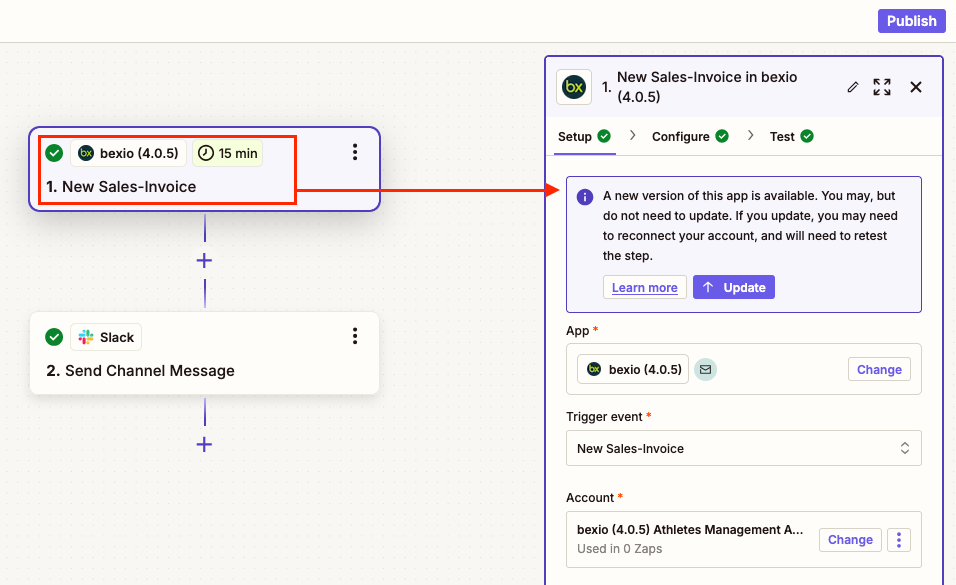
An update notification will be visible in the “setup” page
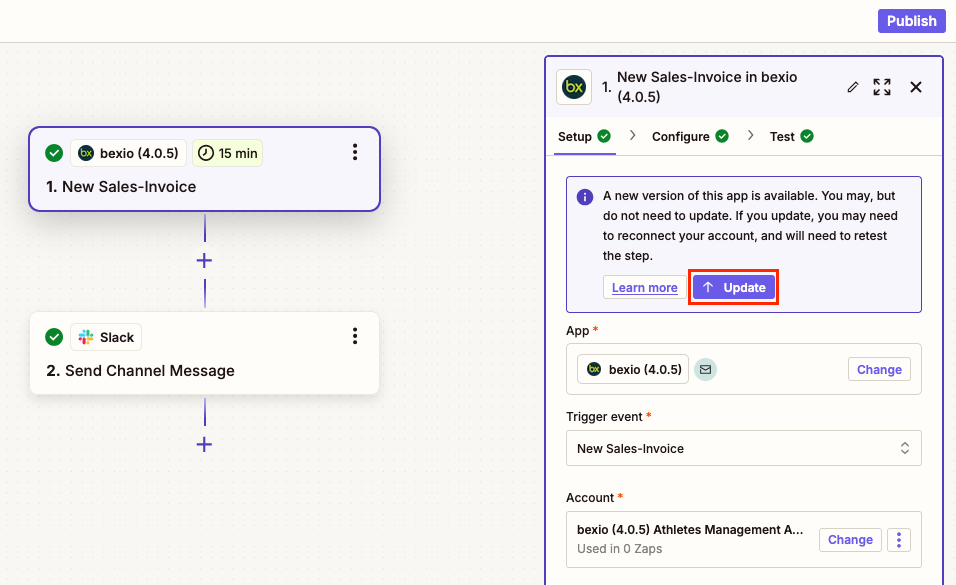
Click the blue “Update” button once
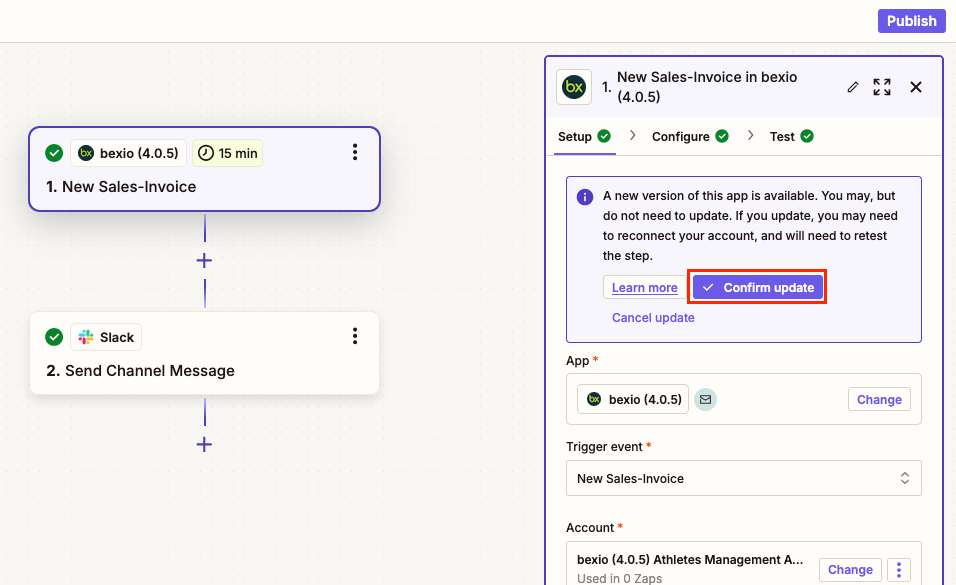
Then confirm that you want to update the bexio integration with the button “Confirm update”
Reconnect Account (if necessary)
If the account field is empty, you can follow the steps below to add one again. Otherwise, you can skip this part.
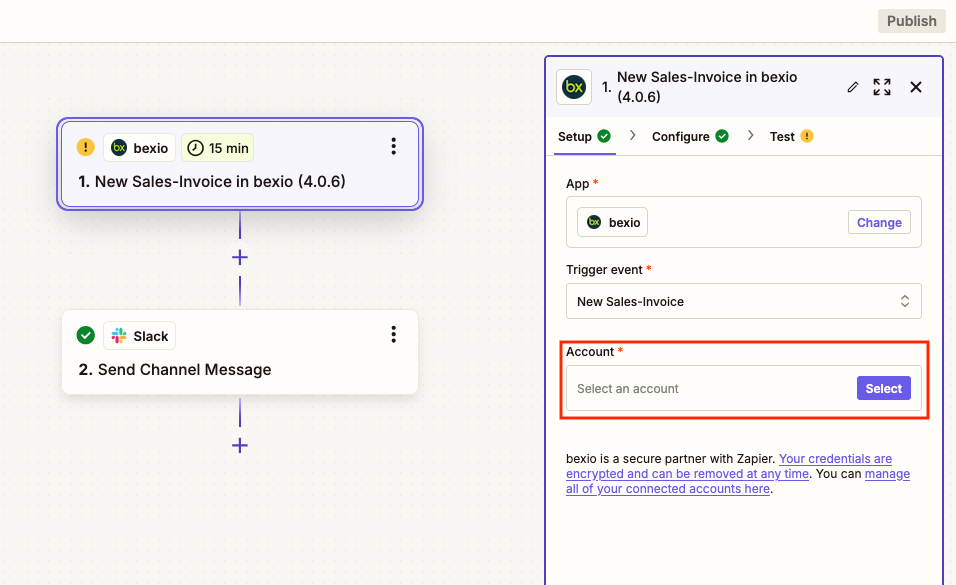
Click on the “Select” button in order to connect to your account
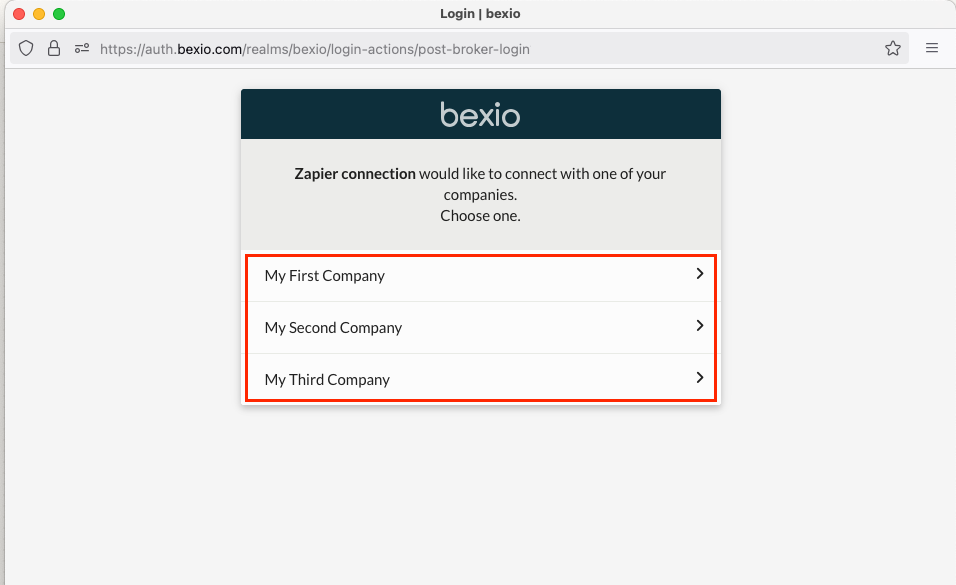
A pop-up window will open where you can select the company you would like to connect with Zapier
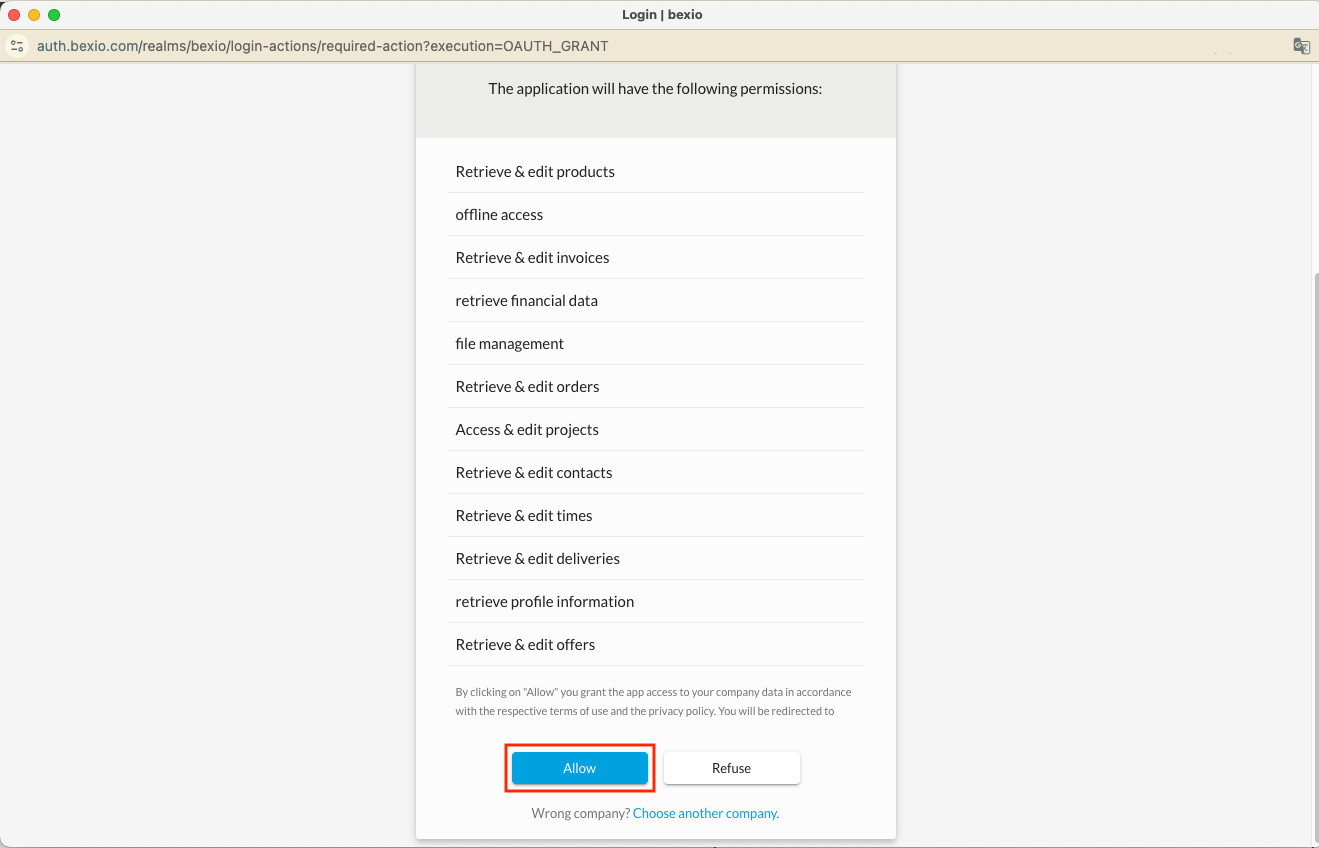
You can now give Zapier the necessary access with the “Allow” button
Testing
It is recommended to test the workflow after it has been updated.
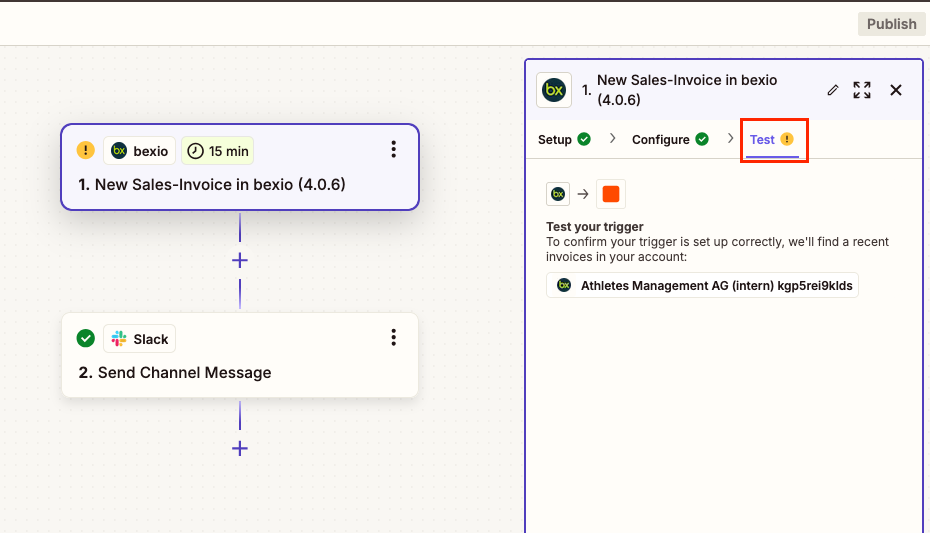
Select the “Test” tab in your bexio integration
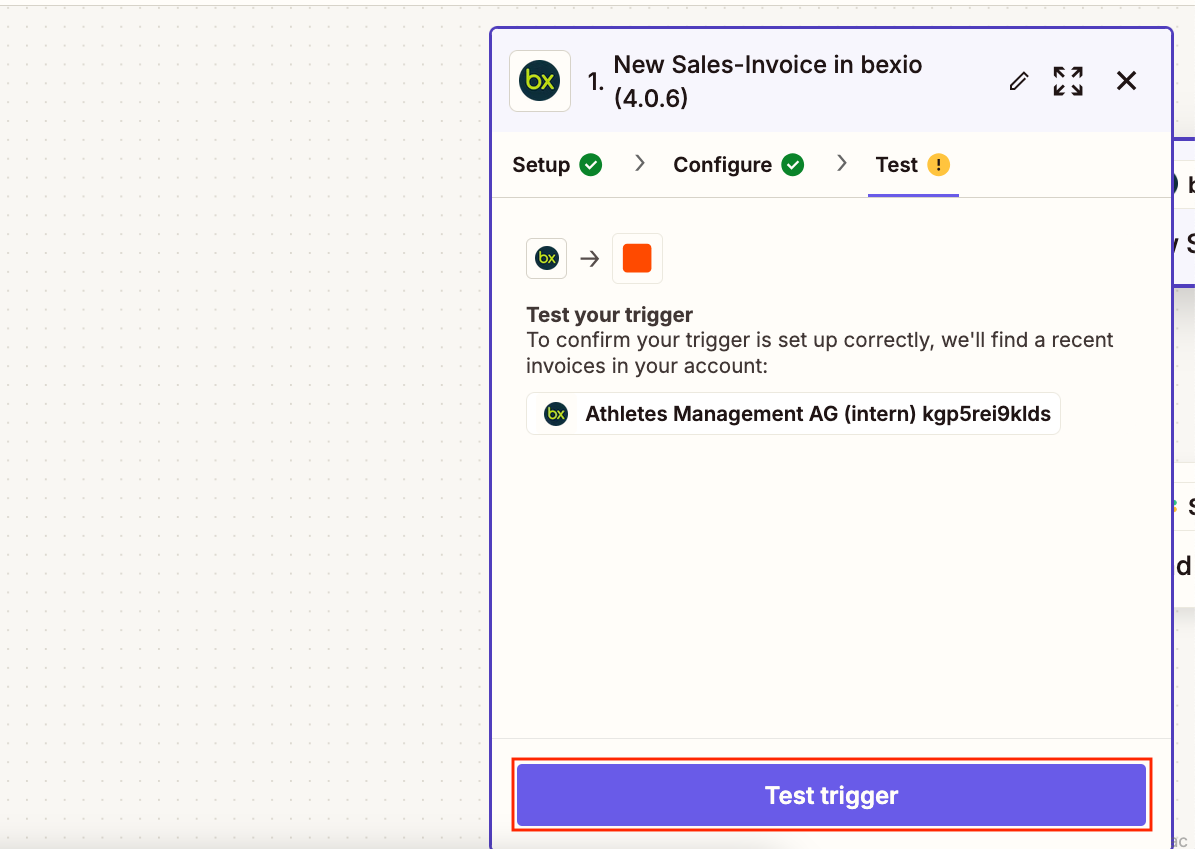
Select the button “Test trigger”
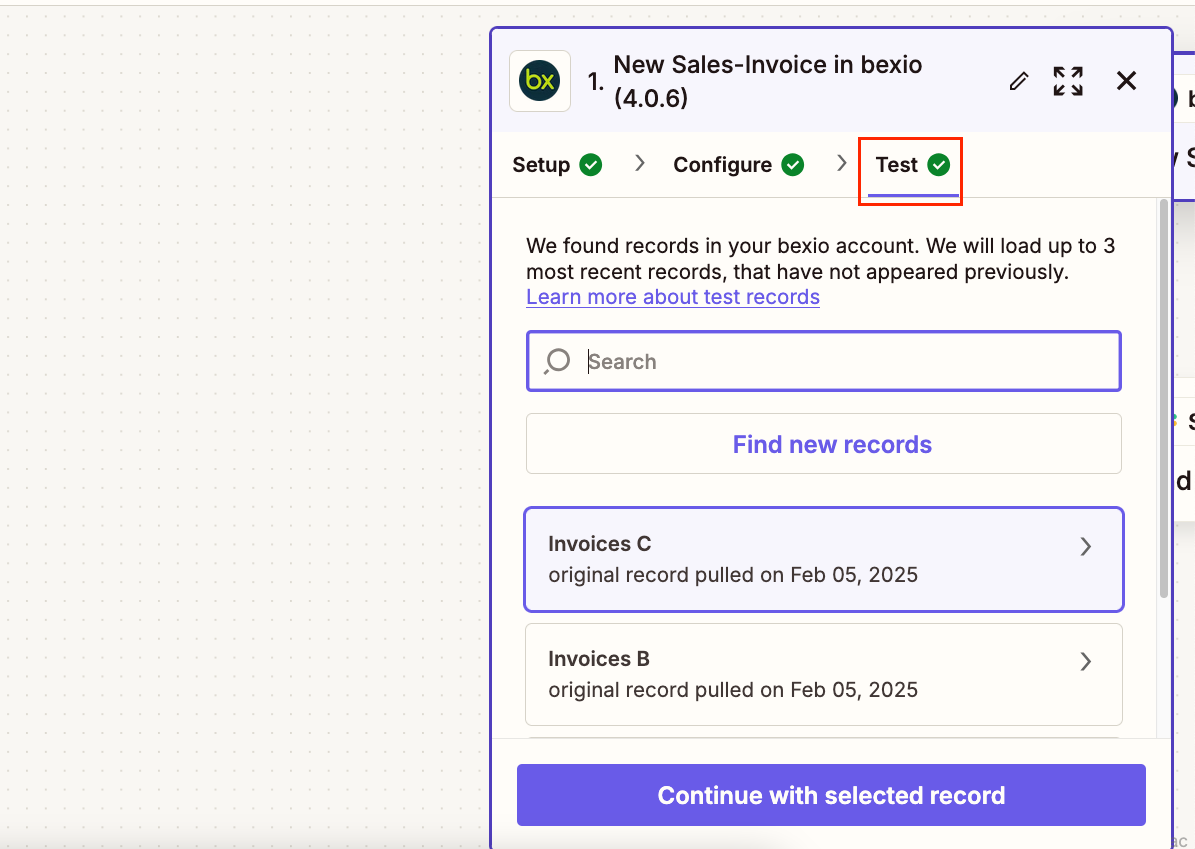
If the test was successful, you’ll see a green checkmark next to the “Test” tab name, and you have now finished the update.
Changed Fields
The new version 4.0.8 now separates the address fields into Street Name, House Number and Address Addition to comply with new standards. Existing workflows have to be adjusted accordingly to get a consistent output.
These changes have been adapted to all existing triggers and actions, where addresses can be added or edited.
Before:
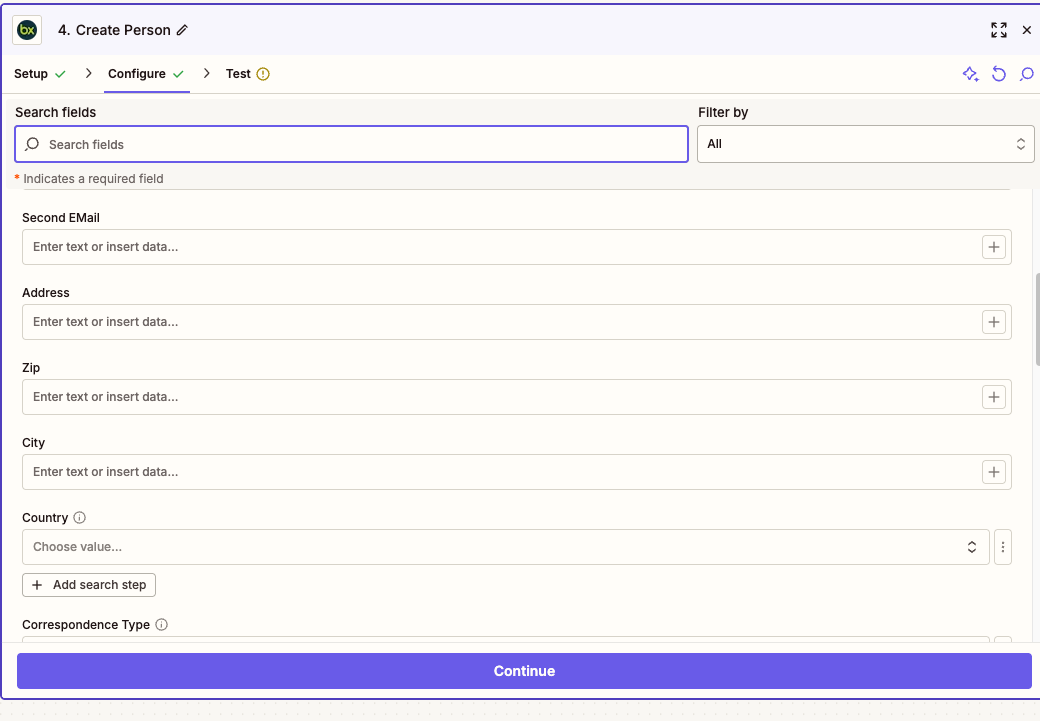
After:
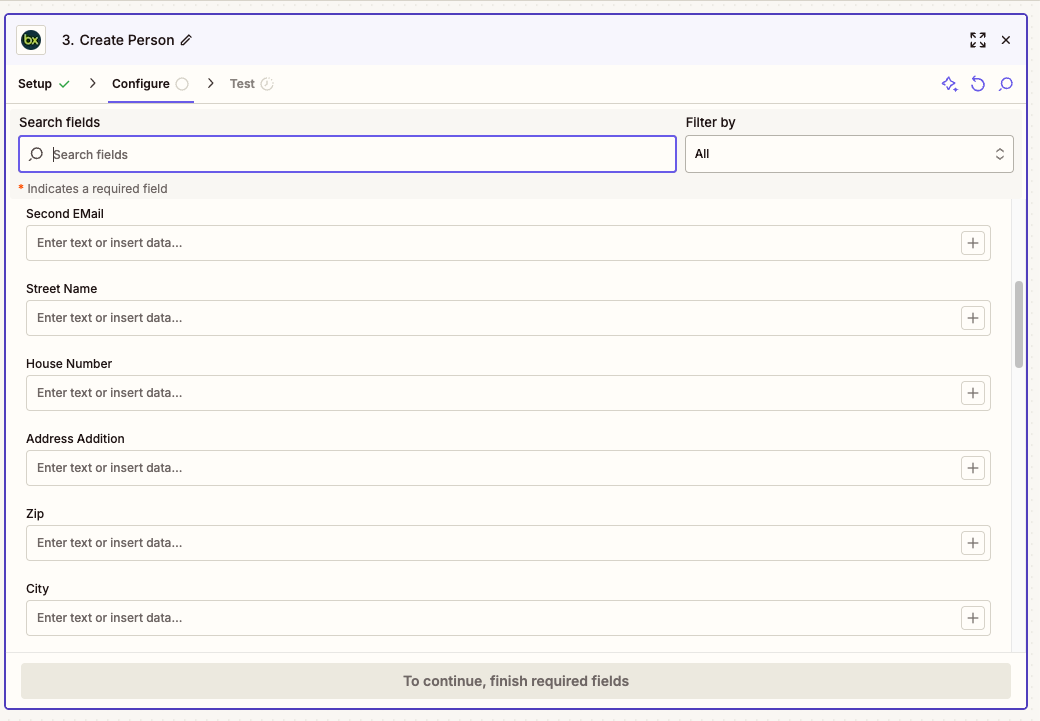
Note: The Address field has been removed and split into “Street Name”, “House Number” and “Address Addition”