Usersnap is a practical tool that allows you to quickly and easily provide feedback or report errors that you discover in the Bexio interface or application. The special thing about Usersnap is that you can give visual feedback - i.e. take screenshots, add comments and tell us directly what is not working or could be improved. This greatly simplifies and speeds up communication between you and our support team.
Contents
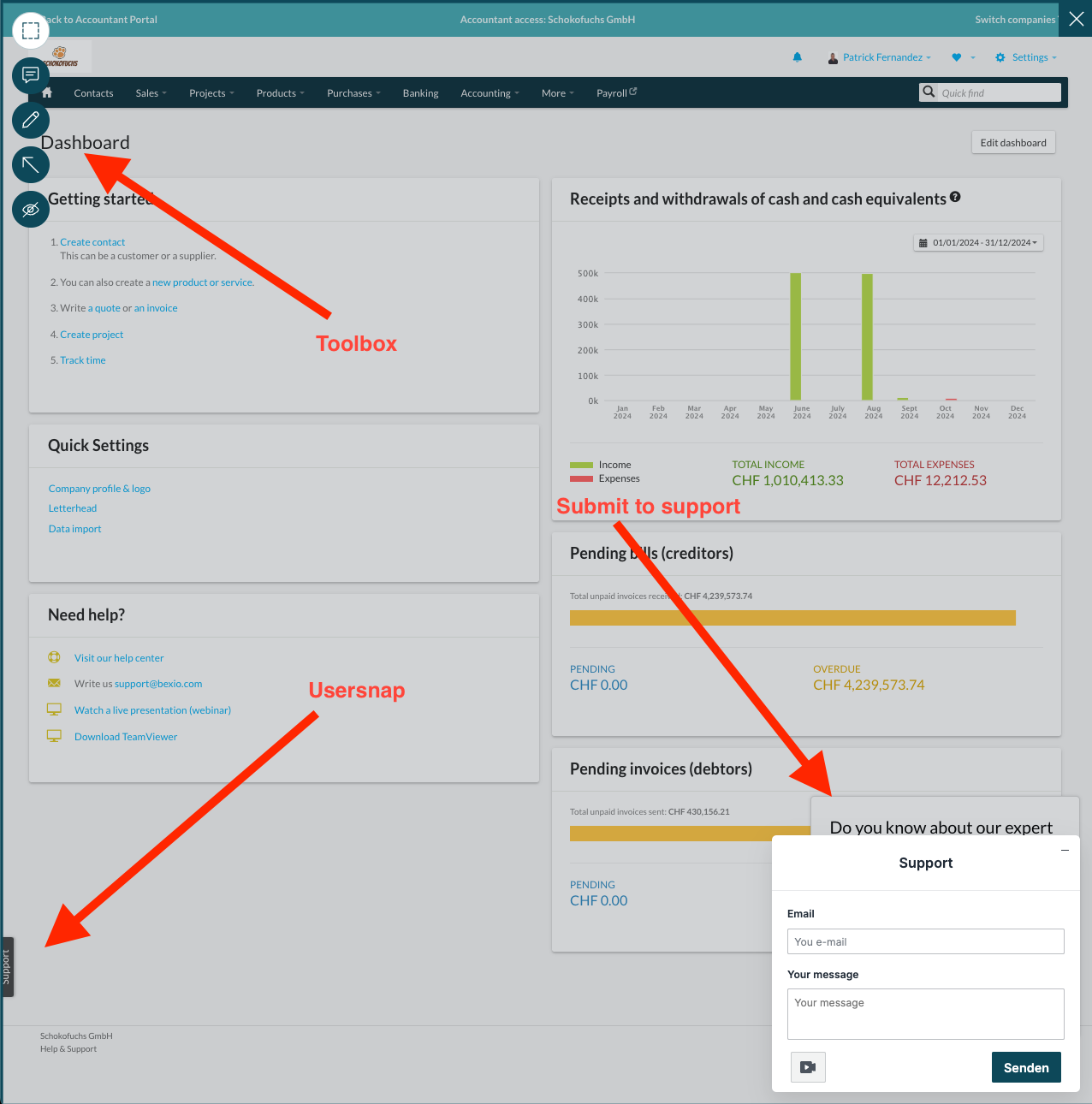
You can find Usersnap by clicking on the “Support” field at the bottom left of your screen. A field with the name “Support” should then appear at the bottom right of your screen. A toolbox is available at the top left.
Toolbar & functions
The highlight function allows you to emphasize certain areas on your page.
Use the comment function to insert several comments at any point.
You can draw anywhere using the pen function and insert arrows anywhere using the arrow function.
The Hide function allows you to hide desired areas.
If you want to redesign something and want to delete the corresponding markings or comments, simply click on them and then on the waste garbage can symbol.
Record a video
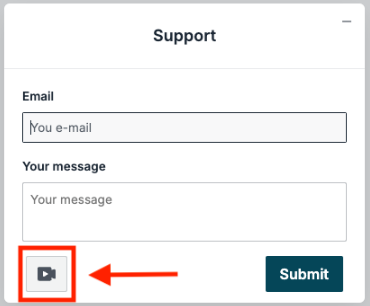
If you would like to record a screen video, click on the recording icon at the bottom left of the contact form.
A small recording window will then open. Use the red button on the left to start and stop the recording. You can also start a sound recording with the microphone symbol in the middle; another click on this stops the sound recording again. On the right-hand side, you can see the duration of the entire recording. During the recording, your mouse is highlighted with a yellow light, and you can navigate freely in your Bexio account to describe the problem or concern.

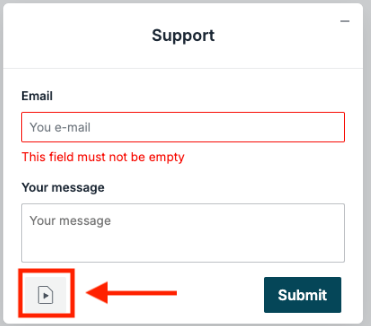
After you have finished recording, the support window appears again. Instead of the recording icon, you will now see a video icon. Click on it to delete the recording.
Submit Usersnap
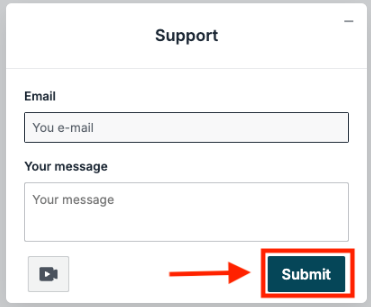
Once you have created your documentation about the issue or request, please enter your e-mail address and the relevant text in the support field. You can then send everything by clicking on the “Submit” button.