Manual import of transactions
In this article, we will show you where to find and download the account statements (camt.053) in your UBS e-banking.
- Log in to your UBS e-banking account.
- In the tab, go to "Payments" and then "Account and transaction reports"

- You can now download the files using the download icon.
Please make sure that you have selected the correct bank account and the correct report type (camt.053) in the filter at the top.

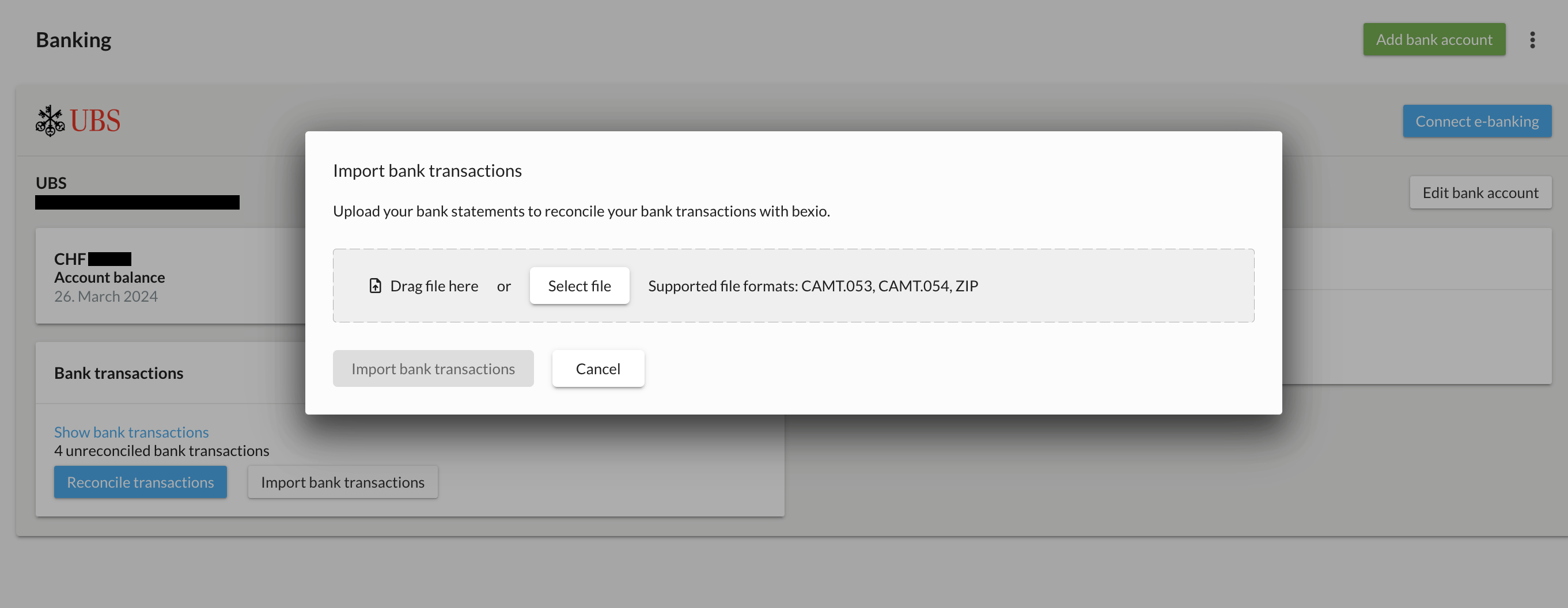
- Once you have downloaded the file, you can upload it to your bexio account under Banking "Import bank transactions".

- Select your file(s) by clicking on "Select file". Up to 30 camt.053 or 1 ZIP file containing up to 30 camt.053 are supported.