Contents
- How can the bank/cash account be deleted from Banking?
- How can the account be deleted from the chart of accounts?
How can the bank/cash account be deleted from Banking?
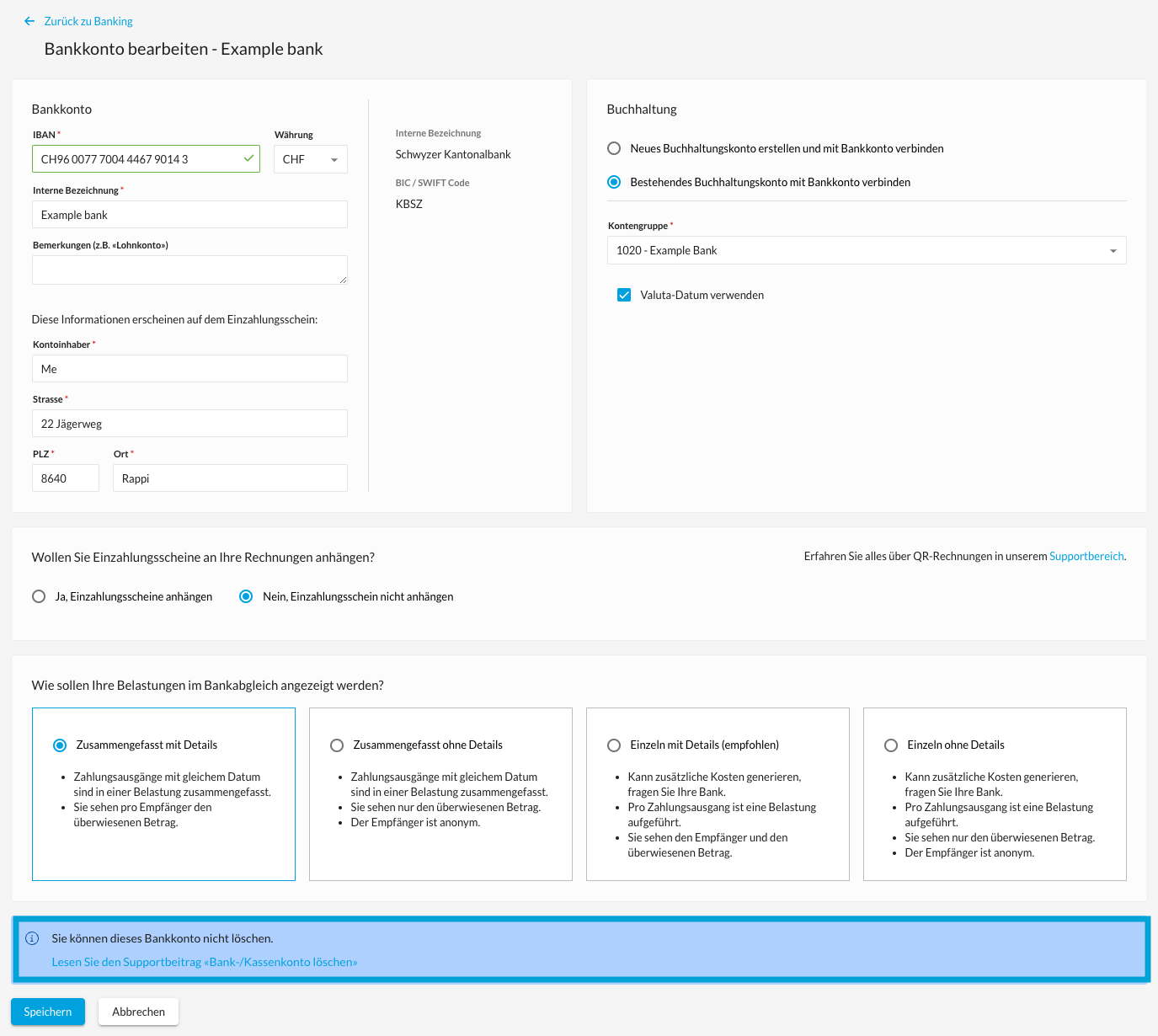
If the red "Delete" button is present, the account can be deleted.
The bank account can no longer be deleted once transactions have been imported and the red button disappears.
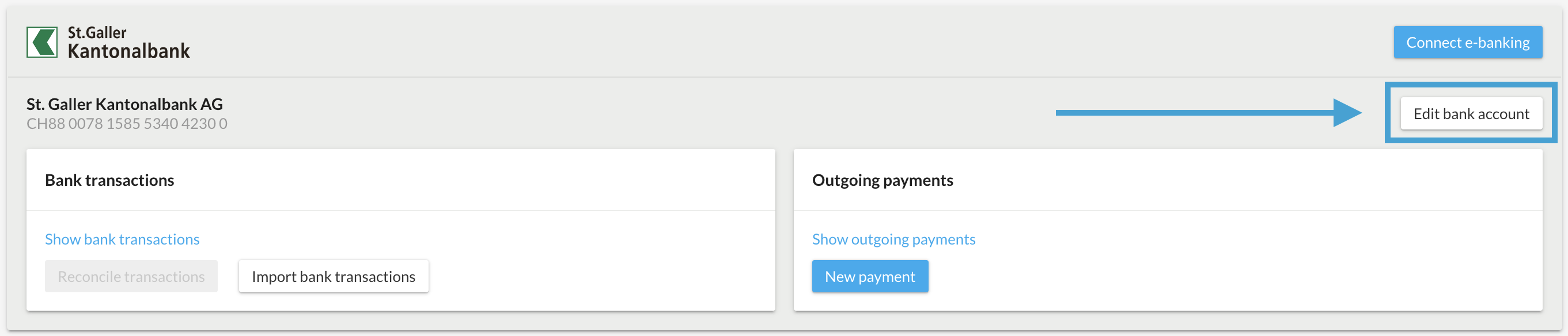
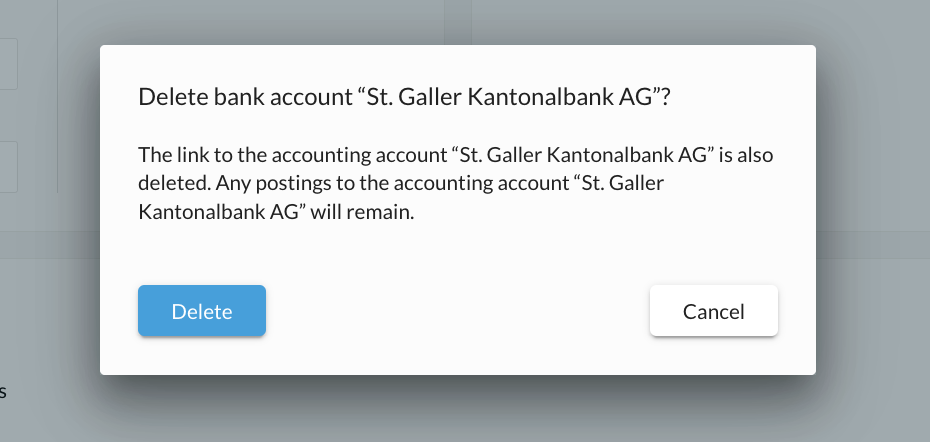
If the bank account is not stored as the default bank account and no transactions have been imported, it can be deleted in the banking area. Click on "Edit bank account" and then on the trash can symbol. If the trash can is not visible, please check your user rights. Pay attention to the warning that appears after the process.
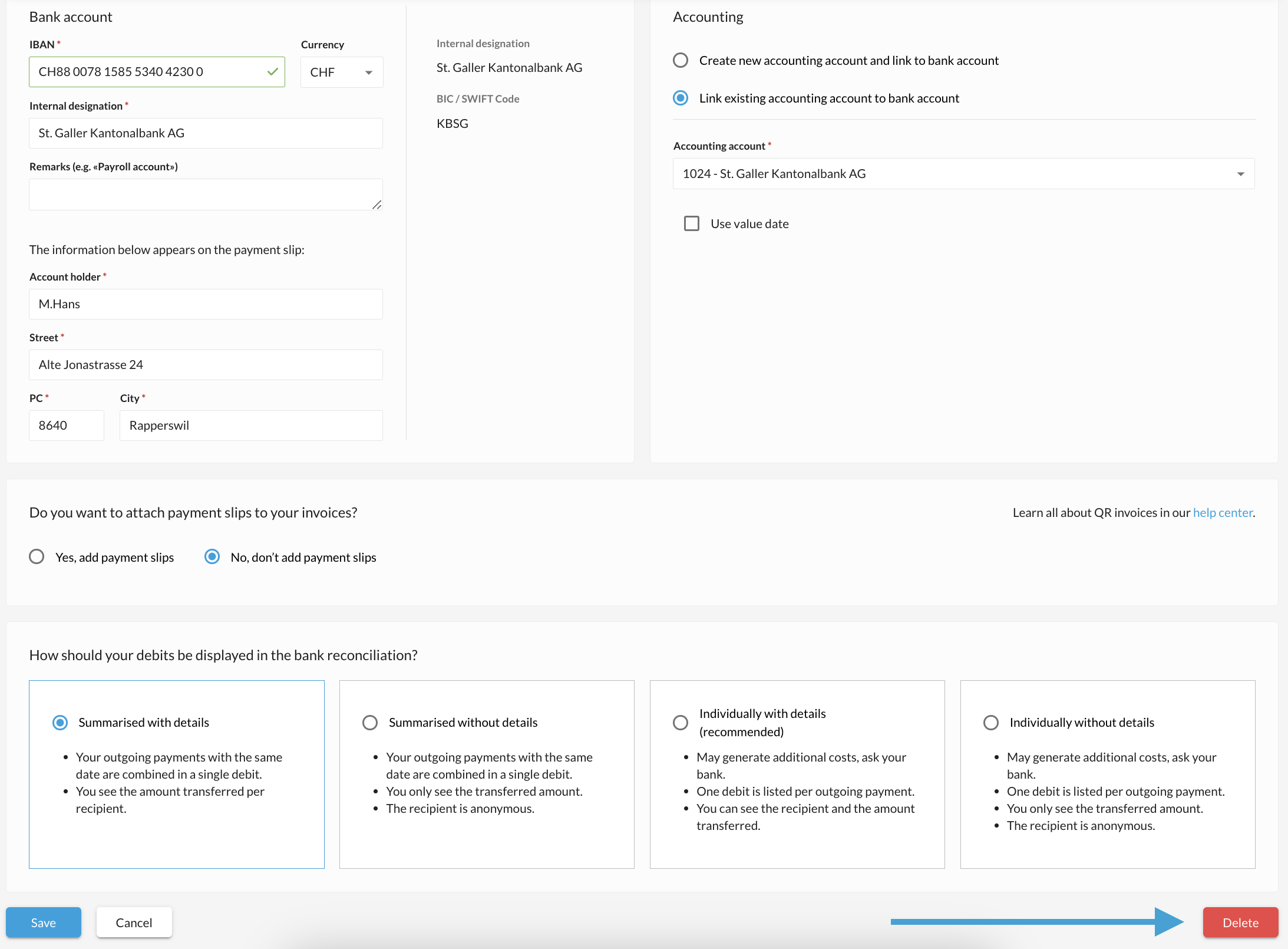
You can set which default bank account should be used for which documents under "Settings" → "All settings" → "Functions & modules". You can change these settings under the following links by selecting a different bank account as the default. The bank account can then be deleted under "Banking".
→ Document settings - Offer
→ Document settings - Order
→ Document settings - Invoice
→ Document settings - Delivery
→ Document settings - Credit note
→ Document settings - Account statement
→ Document settings - Payment reminder
→ Document settings - Reminder 1
→ Document settings - Reminder 2
→ Document settings - Order
→ Document settings - Supplier invoice
→ Document settings - Expenditure
→ Document settings - Collection
In comparison, if the account can no longer be deleted because transactions have been imported or the bank account is still stored somewhere in the default settings. The "Delete" button is no longer available.
How can the account be deleted from the chart of accounts?
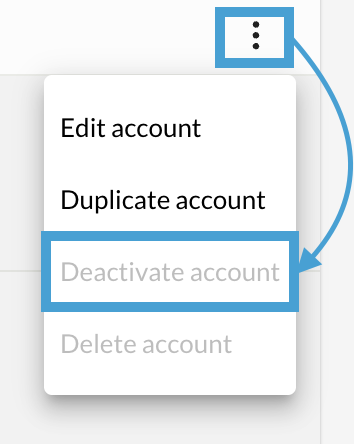
If no postings have yet been made to it, the bank account can be deleted in the chart of accounts. If there are already postings on this account, you can "deactivate" it. The account thus remains in the chart of accounts and is still displayed in the balance sheet if there are postings in the selected financial year. However, it can no longer be selected as a posting account as long as it is deactivated. If the account is to be deleted completely, all postings to this account must be deleted "individually and manually" from the journal.
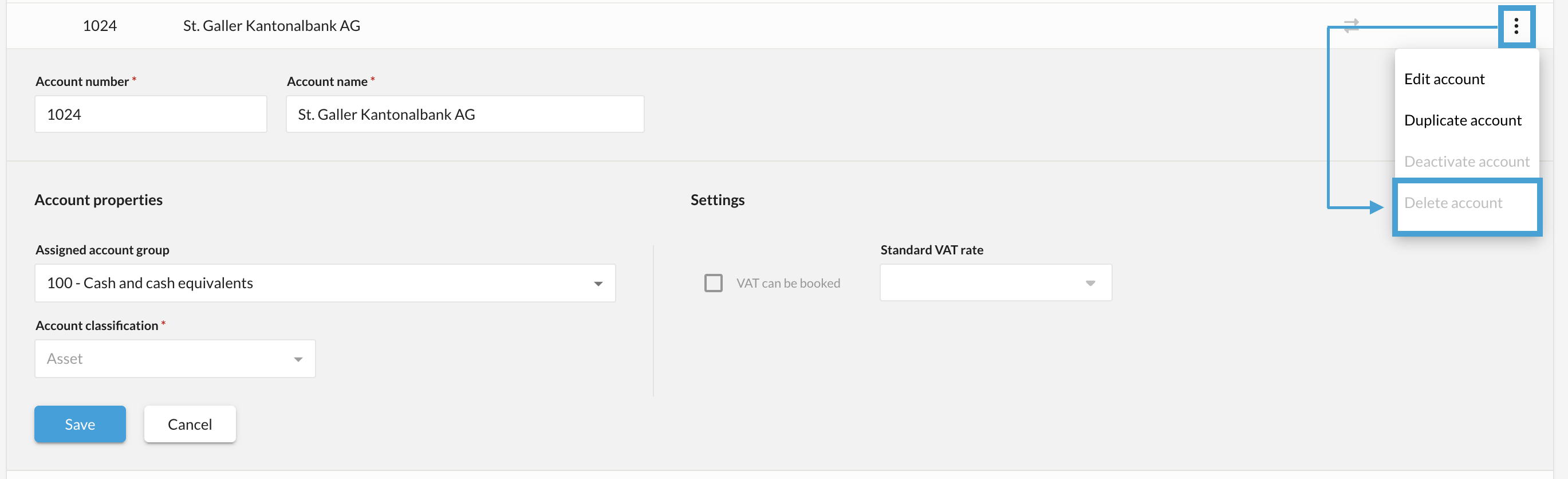
The account can only be "deactivated" once it has been removed in the banking area.