The preview allows you to instantly visualize the final look of your documents with one click, without having to generate a PDF file. It is the ideal tool to ensure a perfect presentation while avoiding cluttering your downloads folder.
Documents compatible with the preview:
- Sales: Quotes, sales orders, and credit notes.
- Purchase: Purchase orders.
- Accounting: Account statements (customer account extracts).
Content:
Different preview modes
Preview in PDF format
bexio network preview (Network-link)
Customer account statements
Access and customise your documents
Different preview modes
Preview in PDF format
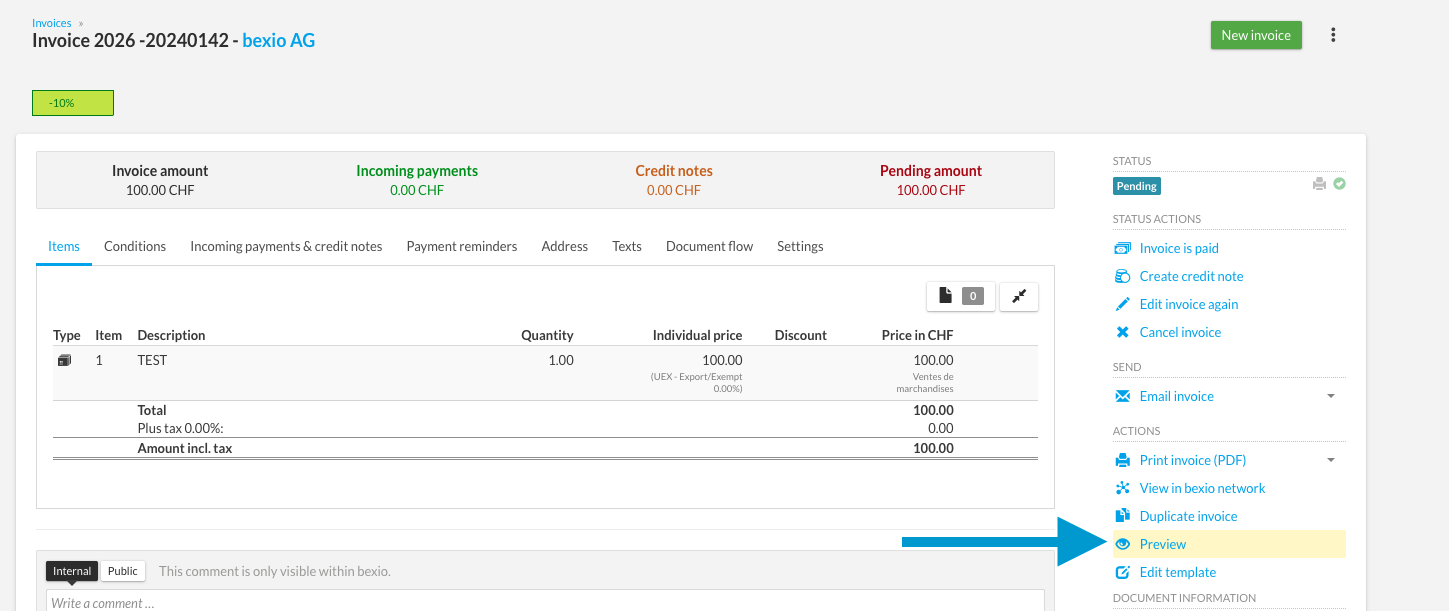
This mode displays the exact replica of the document as it will be printed or received by email by your recipient.
- Click on the eye icon or the "Preview" button at the top right of your document.
- Check the positioning of address blocks, item details, and the overall visual rendering.
bexio network preview (Network-link)
This mode is reserved only for quotes, sales orders, and invoices.
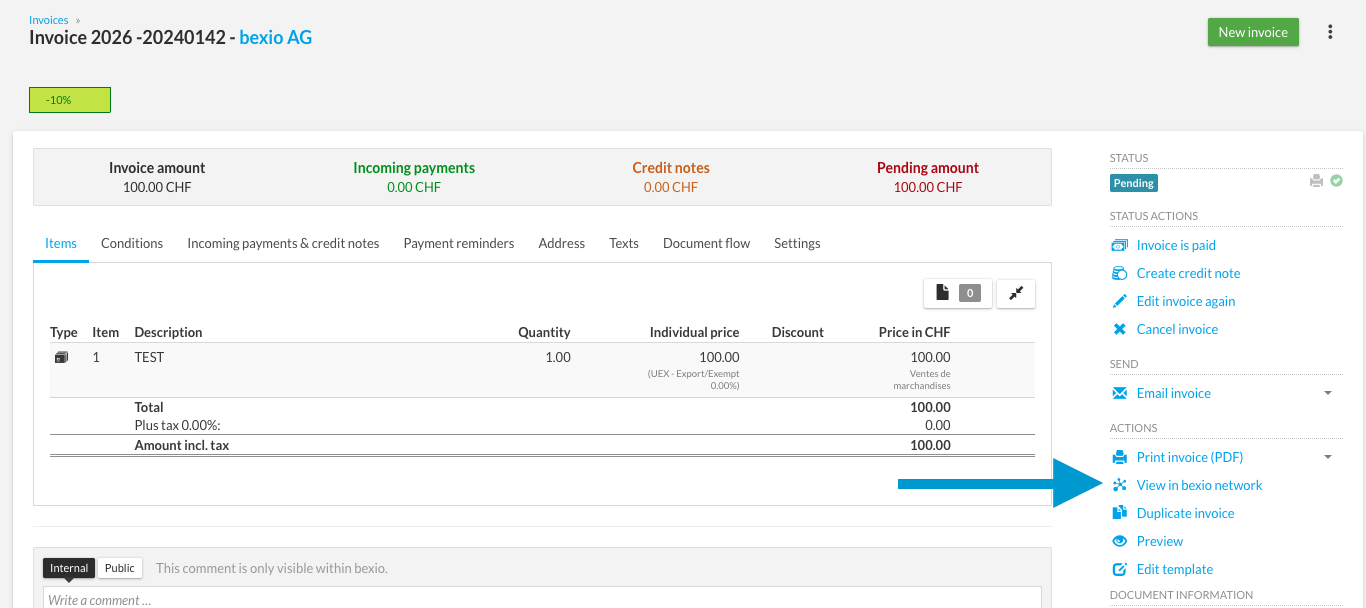
- The bexio network is the interactive interface where your customers view your documents online.
- Ensure that interactive options (quote acceptance button, online payment, etc.) are clearly visible.
Customer account statements
To learn how to specifically generate and preview an account statement for a customer:
Create an account statement for a client
Access and customise your documents
Edit the design
The Document Designer is the central tool for managing the visual identity of your invoices, quotes, and other documents (logo, fonts, layout).
Edit predefined texts
To modify automatic texts (headers, footers), configuration is done in the general settings.