Contents
New bexio Customer
Important: Once the process is started, it cannot be canceled. If you accidentally clicked on the button, you can complete the setup steps using example data. As soon as the account is created, you can delete it again by selecting the following menu option: "Settings" → "Users" → "Cancel This Trial Account".
Set up a new bexio account for a client at "https://cockpit.bexio.com/en/clients". In your Cockpit, select the "Clients" tab. On the right, click on the blue button "Add client".

Step 1
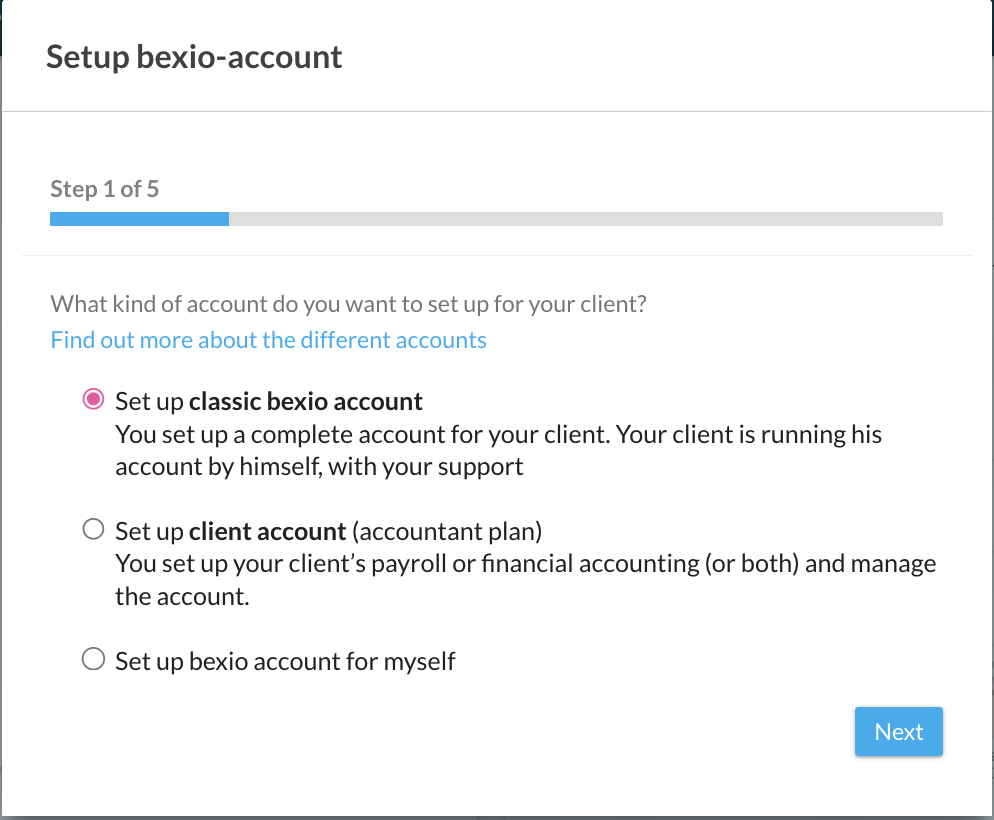
In the Setup wizard, in Step 1 of 5, first select the type of account that you would like to create. The differences are described in detail in the following article: "bexio Account for Clients – Different Options".
Step 2
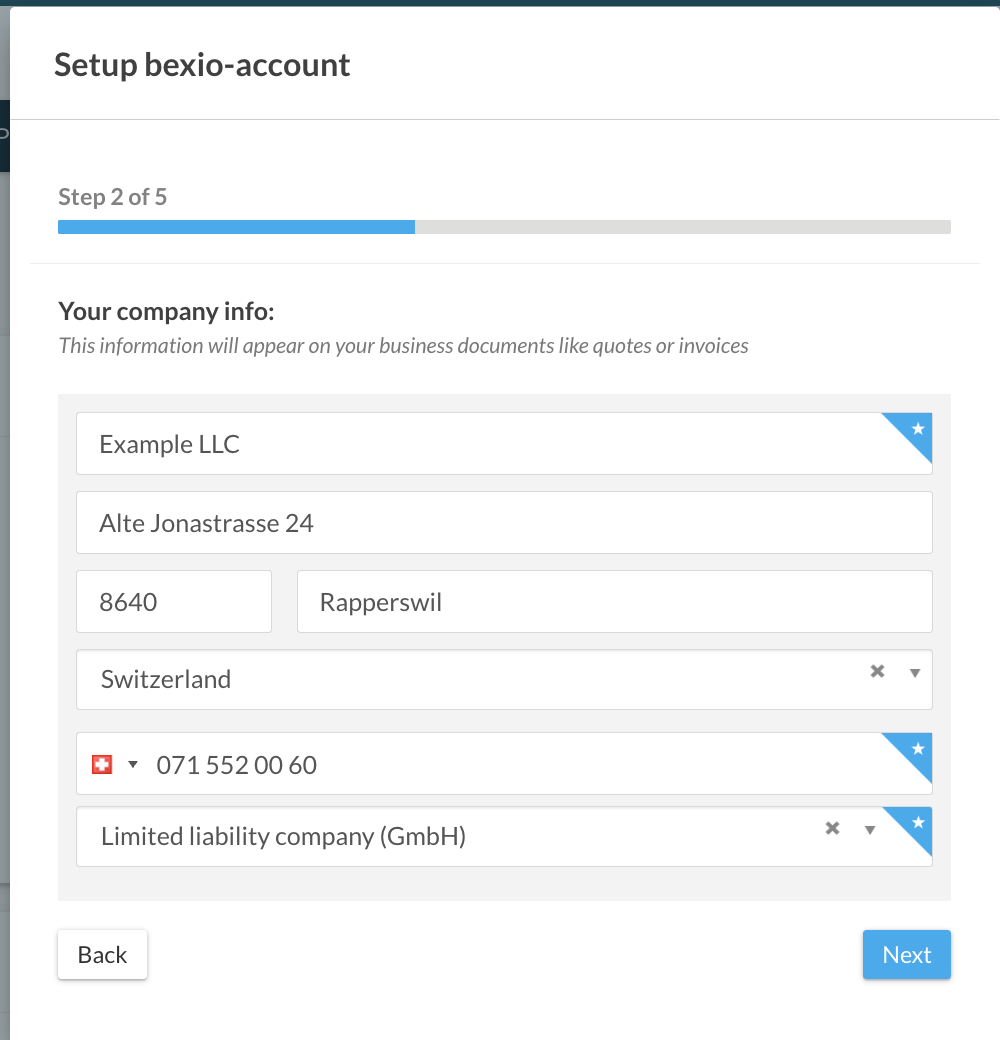
Enter the master data for your client (e.g., company name, legal form, etc.).
Step 3
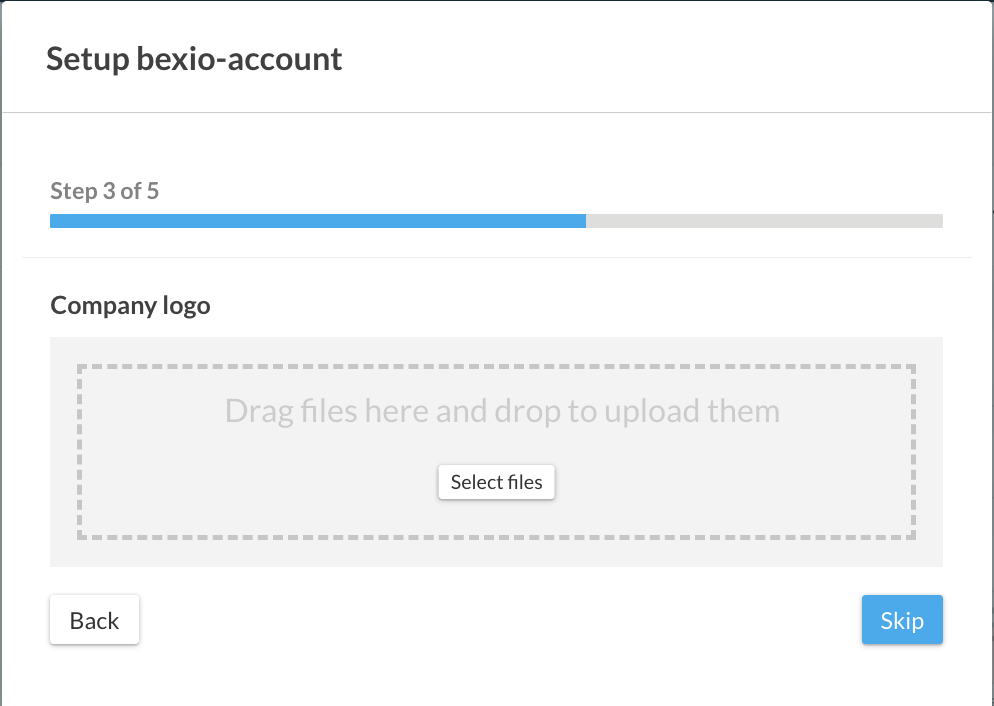
Add the clients company logo (optional).
Step 4
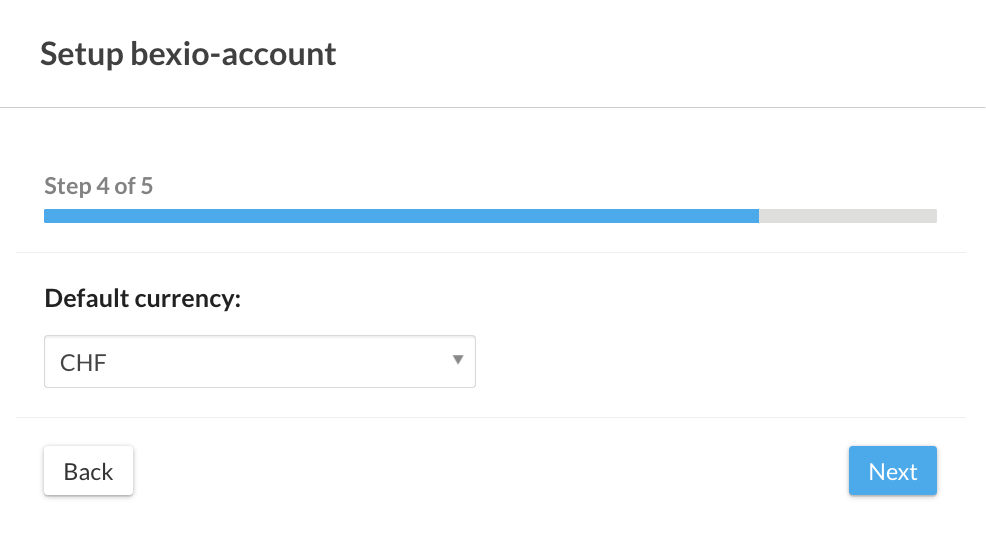
Choose the currency in which the accounting should be kept (base currency).
Important: The standard currency may only be changed later so long as no postings whatsoever are added to the journal. You can change the setting by selecting the following menu option: "Settings" → "All Settings" → "Company" → "Basic settings".
Step 5
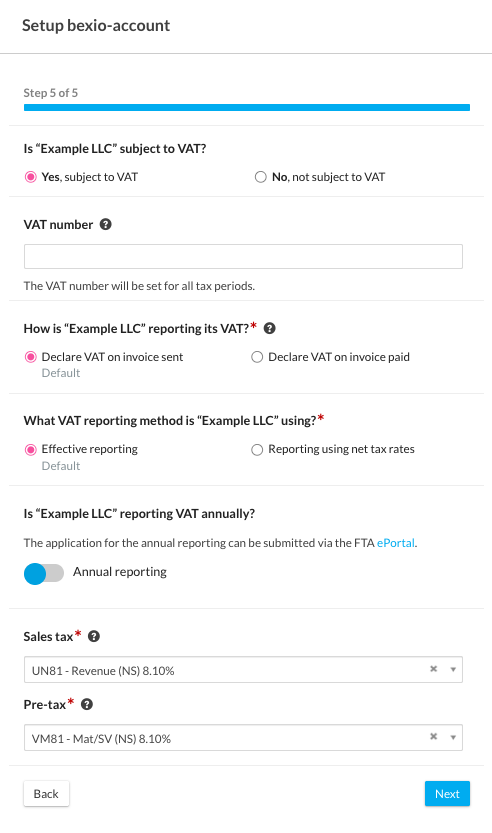
VAT settings (e.g., VAT method or VAT number).
Important: We recommend that you enter the VAT setting correctly in this step before you make any postings. If there are already postings in the ledger, it will be hard or even impossible to subsequently convert the taxation & settlement method. Click the following menu option to change the setting: "Settings" → "All Settings" → "Accounting" → "VAT Basic Settings".
Notifying the Client
You can then notify your client in the "Dashboard" by clicking on "Notify client". The client will receive an email from bexio that will allow them to set a password.
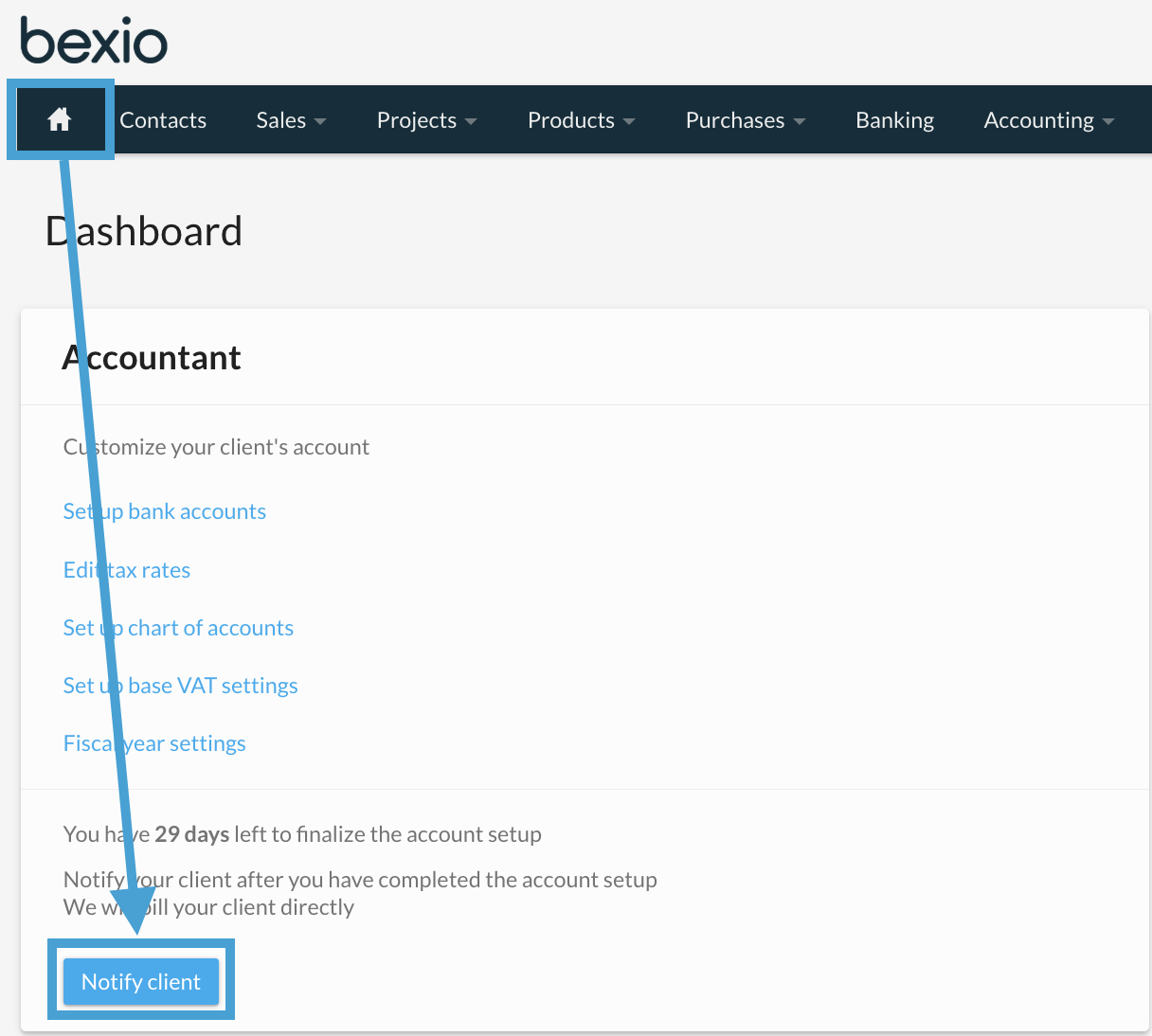
The trial period of 30 days only begins when the client is notified. This gives your client enough time to get to know bexio and to see if it is a good fit for them. As a trustee, you can configure additional basic settings for your client on the start page and help them set up everything correctly from the start.
Existing bexio Customer
If your client already has a bexio account, then the client must invite you to their bexio account. The client can add you directly to bexio free of charge by going to "Settings" → "Users" → "Invite and manage accountants". You can learn more about this here: "Granting Access to Trustees".
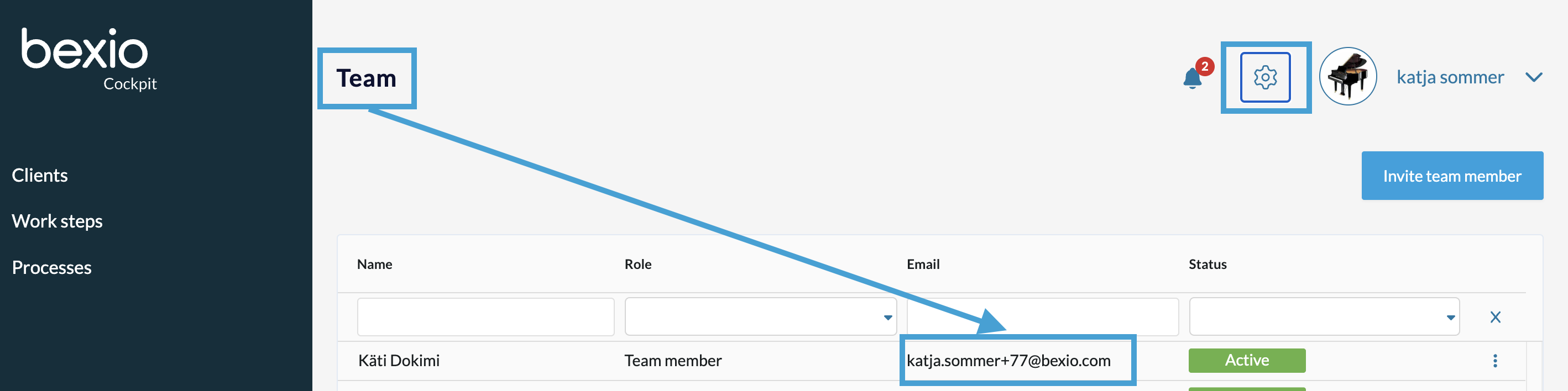
Important: Provide your client with one of the fiduciary's email addresses stored in bexio so that you can then manage it. You will find this in "Settings" (gear icon) → "Team". The settings are only visible for Admins.
The invitation that is shared by your client will look like this:
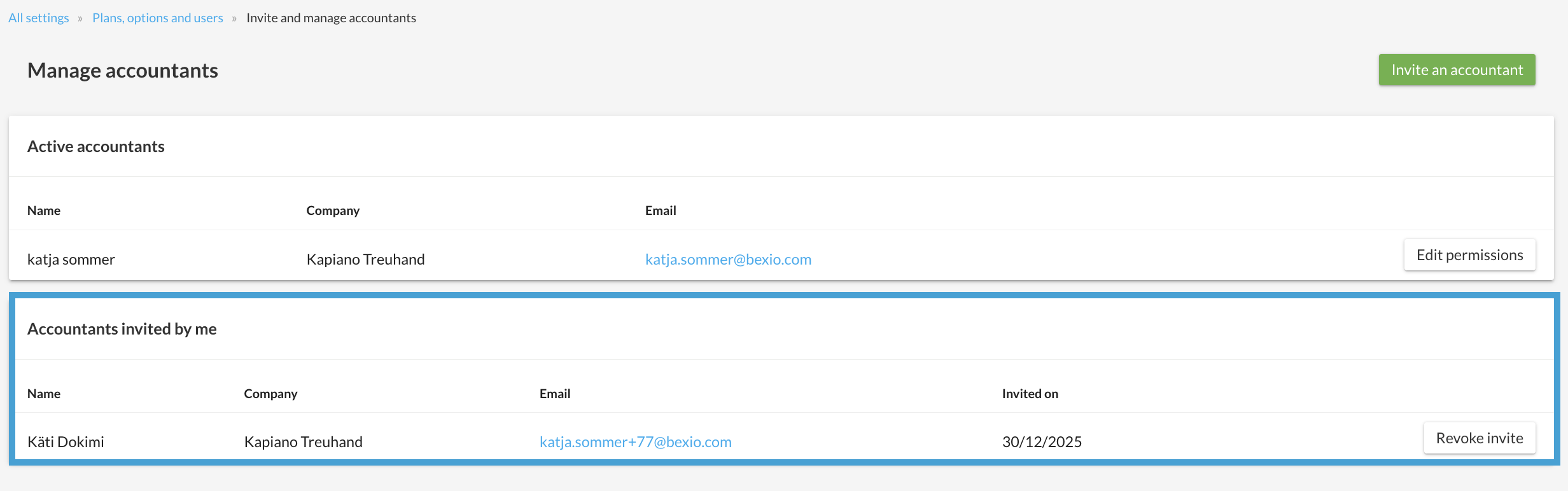
As soon as your client has invited you, you will automatically receive an email from bexio in which you can directly click on the "Log in as bexio accountant" button. You will now find the invitation in your Cockpit in the "Clients" tab, where you either accept or reject it.
