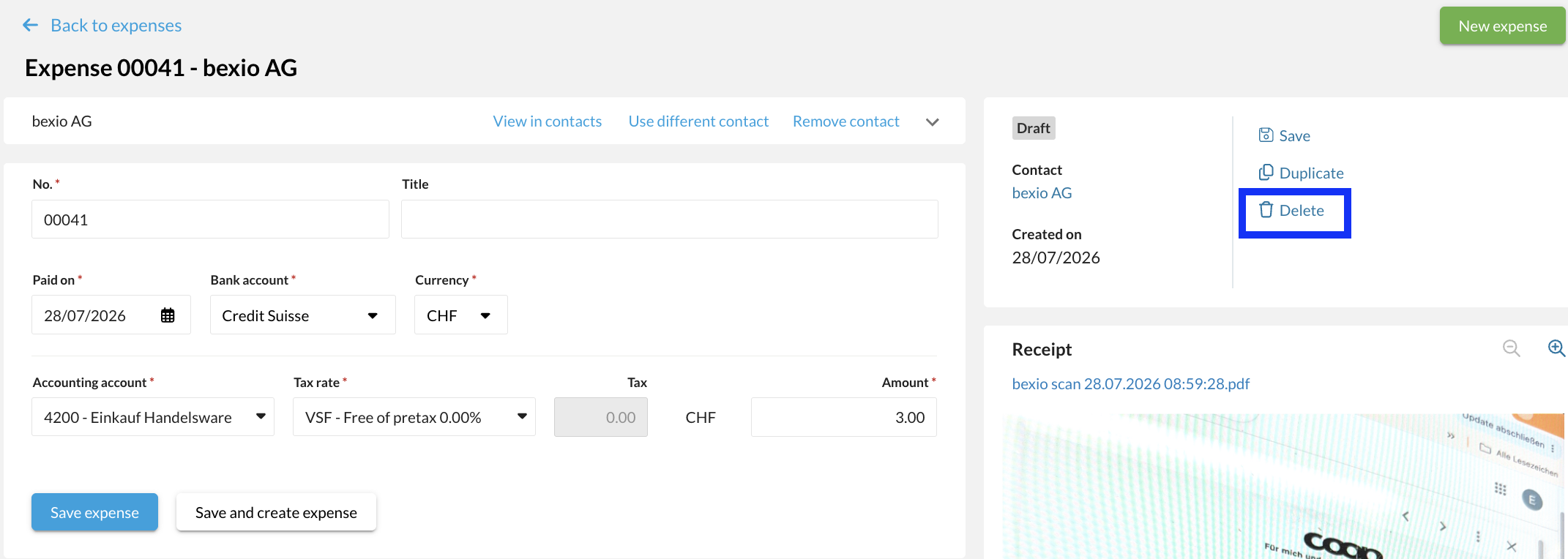
All your expenses can be found under "Purchasing" - "Expenses".
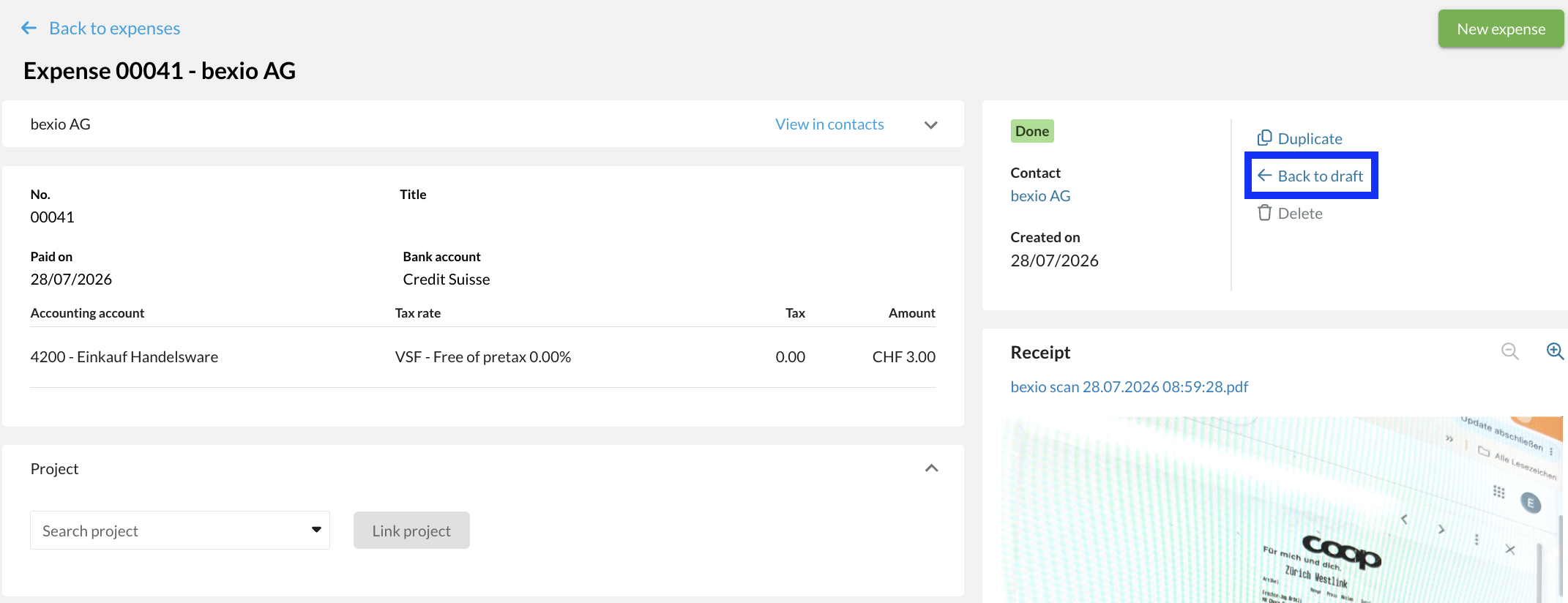
If you would like to delete an expense, first select it and open it.
You will need to reset the status of the expense to "Draft".
As soon as the status of the expense has been reset to "Draft", you can delete it.